 Vault Studio
What it does
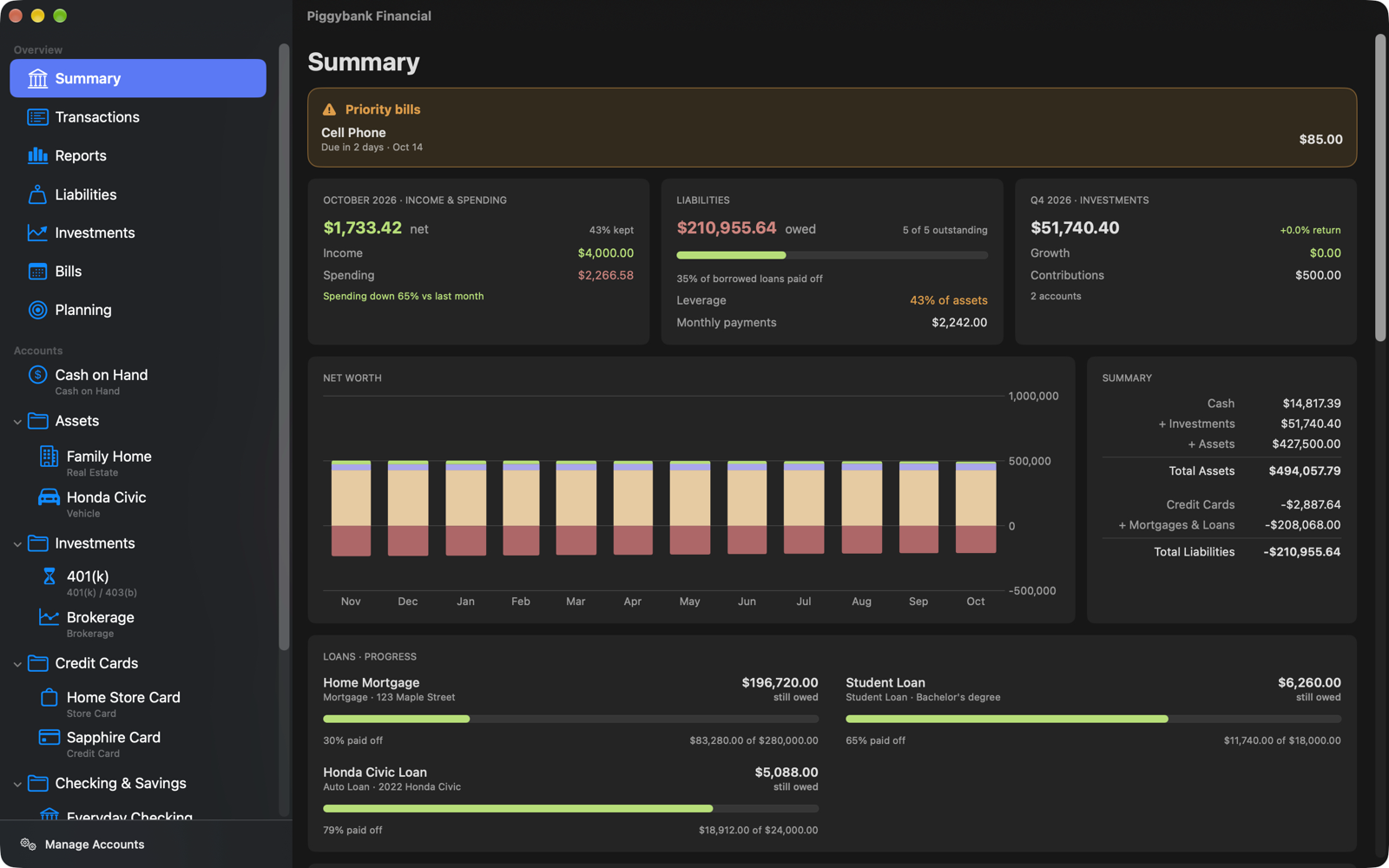
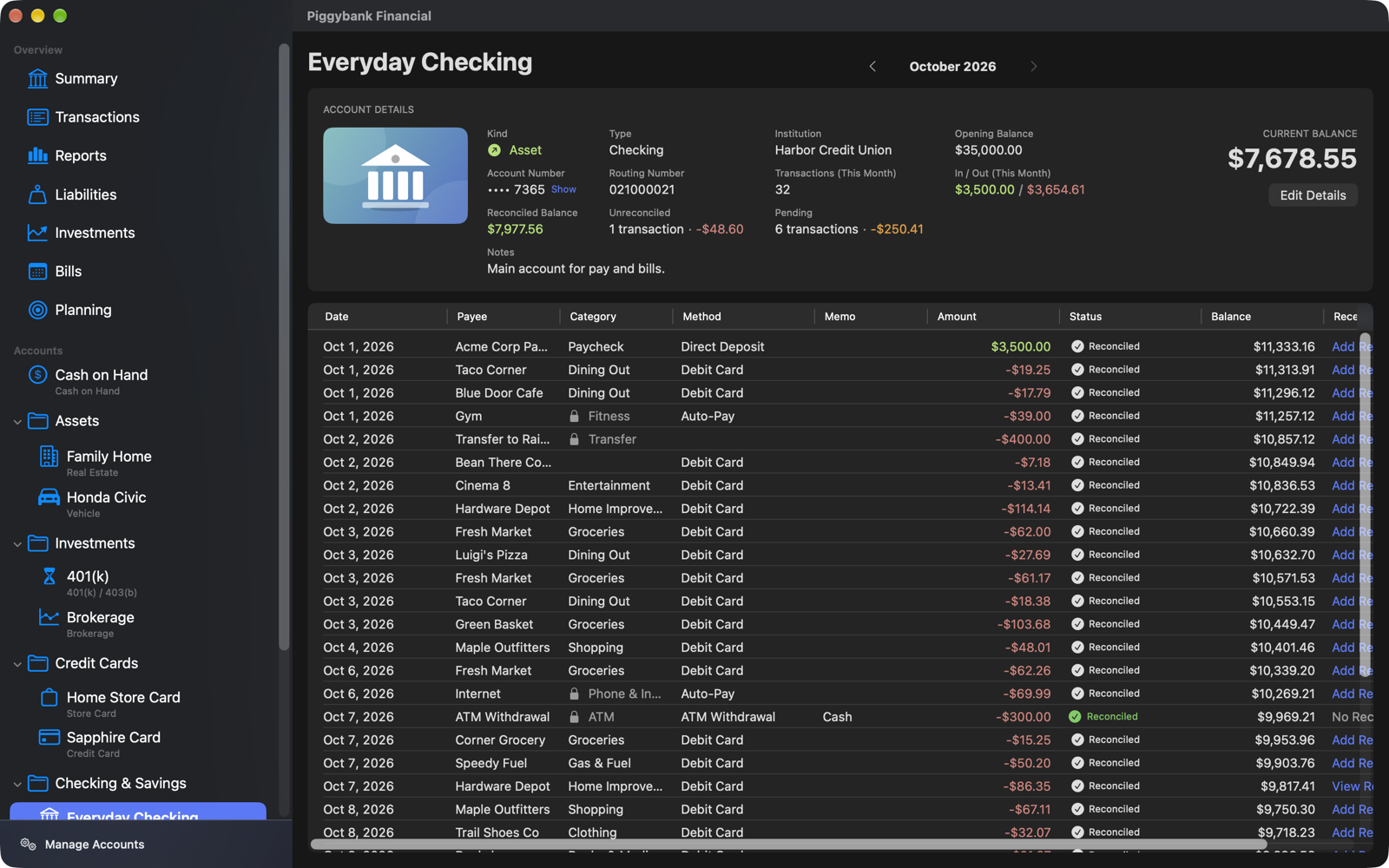
Every kind of account
Checking, savings, cash, credit cards, loans, mortgages, investments and assets, together in one place.
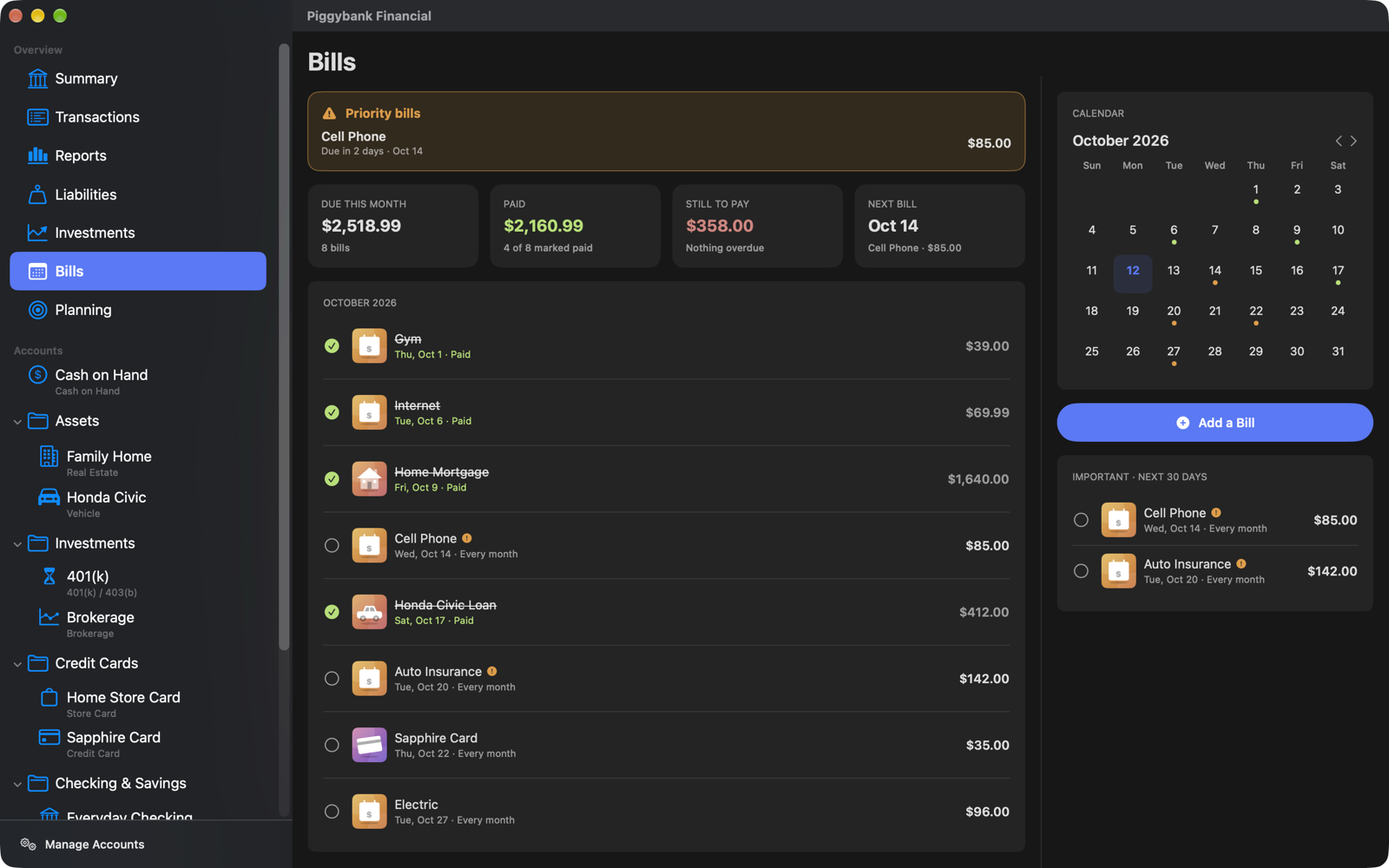
Bills that don't sneak up
A calendar of what is due, reminders before each bill, and one step to pay it so every account stays in step.
Budgets and goals
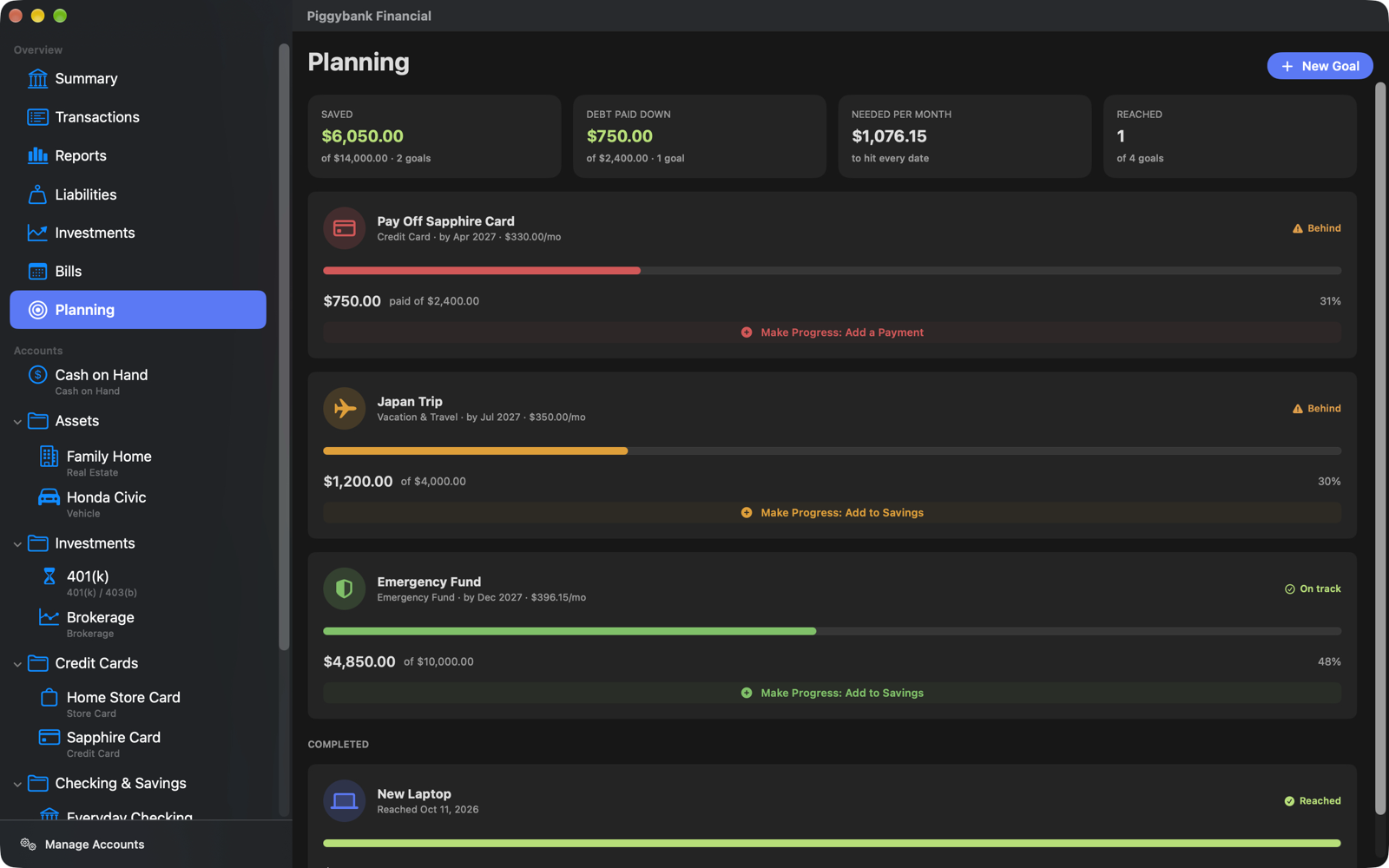
Set monthly budgets for your categories and goals for saving up or paying off debt.
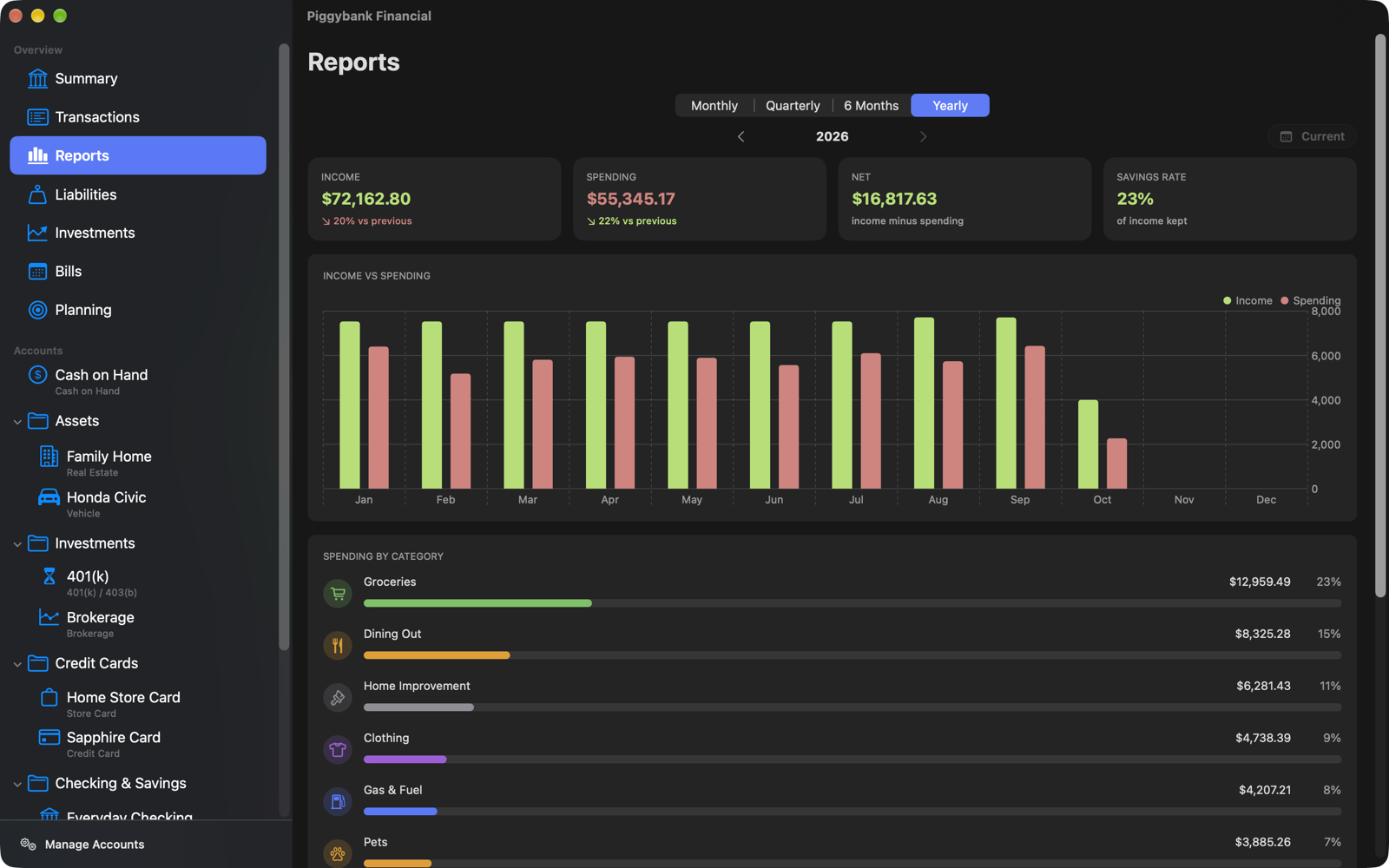
Clear reports
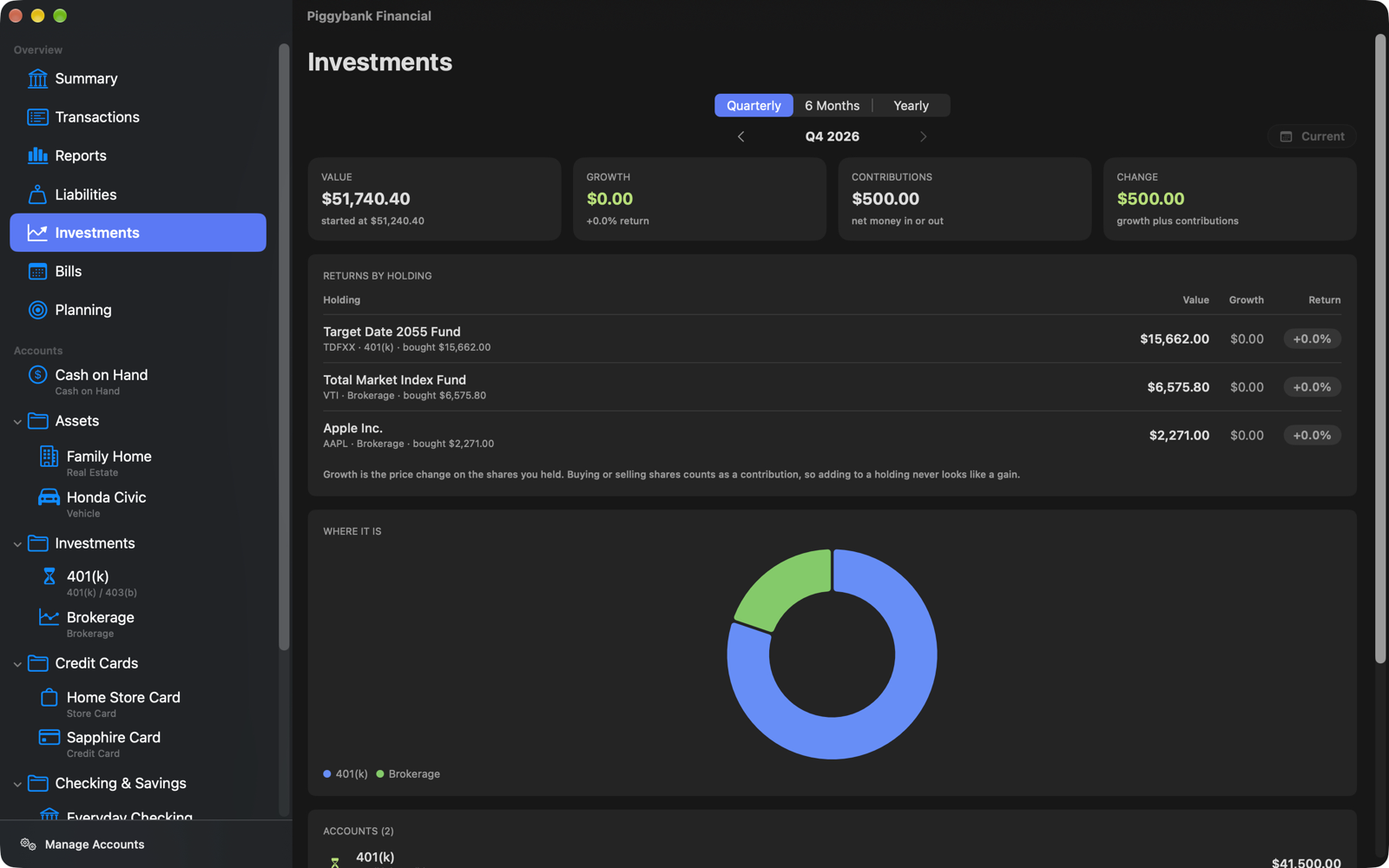
Income against spending, where the money goes, what you owe and how investments are growing.
Receipts attached
Keep a photo or PDF bill with the transaction, or mark it as having none.
Reminders you set
Get a notification to review your budget, check bills or back up, and jump straight to the right page.
Old school on purpose
Piggybank Financial doesn't link to your bank, your cards or any online account, and it never asks for a login.
You go through your own statements and bills and enter what happened. That's deliberate. When you handle your own numbers, you know exactly where you stand, and you know what your budget really is, instead of watching a feed you didn't touch.
Have a file from your bank? You can import a CSV you've downloaded yourself. Nothing is ever connected.
Private by design
Piggybank Financial keeps everything on your own Mac. There are no accounts, no servers, no advertising and no tracking. Backups are a single file you control. Read the privacy policy.
A closer look
Good to know
- No bank linking. You enter your own transactions, or import a CSV file you downloaded yourself.
- Made for the Mac, running macOS 15 or later (Apple silicon and Intel).
- Windows is coming. A Windows version is planned, and it will open the same backup files.
- No iPhone or iPad app and no sync between devices. Move your data between computers with a backup file.
- Fast with years of history. It is built to stay quick with very large numbers of transactions.
Need a hand?
Visit the support page for answers and how to get in touch.